

Virtual Appointment
Convenient Orthodontic Care For New & Existing Patients
At Dougherty Orthodontics, we want getting started with and keeping up with your orthodontic treatment to be as easy as possible. A virtual appointment gives both new and current patients an easy way to connect with Dr. Dougherty and our team from home while still receiving the personalized attention you expect from us. All you have to do is follow the instructions below to snap a few photos of your smile and text them to us!
Tips For Taking Virtual Appointment Photos
Use your phone or digital camera to take the appropriate photos below. For the clearest images, have someone take the photos while you are seated, hold the phone horizontally, turn on the flash and tap the screen to focus. You can also use spoons to gently move your cheeks out of the way.
Once you’re finished, text your photos to (636) 825-1000 and include the patient’s full name and any concerns you would like our team to know about.
New Patients
Use your phone or digital camera to take the appropriate photos below. For the clearest images, have someone take the photos while you are seated, hold the phone horizontally, turn on the flash and tap the screen to focus. You can also use spoons to gently move your cheeks out of the way.
Once you’re finished, text your photos to (636) 825-1000 and include the patient’s full name and any concerns you would like our team to know about.


Existing Patients
If you’re already a patient with Dougherty Orthodontics, you’ll receive texts reminding you of upcoming virtual appointments. You can submit photos for an orthodontic check, clear aligner check or retainer check. Dr. Dougherty and our team will review your photos, evaluate your progress, and let you know whether you need any additional steps or an in-office appointment.
Take these five photos:
- Top teeth
- Bottom teeth
- Front view while biting together
- Right side while biting together
- Left side while biting together

You’ll need 12 photos total. First, remove your aligners and take these six photos:
- Front view with your bite partially open
- Front view while biting together
- Right side while biting together
- Left side while biting together
- Right side with your bite partially open
- Left side with your bite partially open
Then, put your aligners back in and repeat all six photos.

With your retainer in, take:
- Front view with your bite partially open
- Chewing surface of your top teeth
- Chewing surface of your bottom teeth
With your retainer out, take:
- Front view while biting together
- Right side while biting together
- Left side while biting together
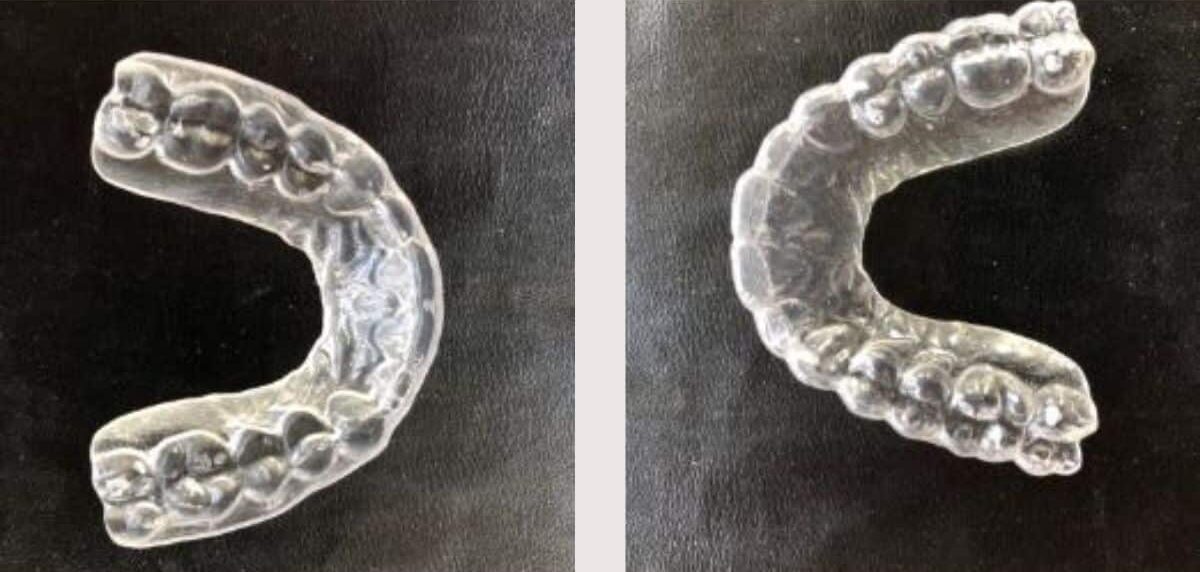
- A photo of your top retainer
- A photo of your bottom retainer, if applicable
After we receive your photos, our team will assess your smile and provide instructions for what comes next.